
Tool gallery
Ready-made tools for everyday life, each a single HTML file. Download, add to the toolbox, start. Many of them work together.
- 26tools
- 10bundles that work together
- 0network requests
- 0accounts, ads, tracking
All tools
-
A02 · 67 KB
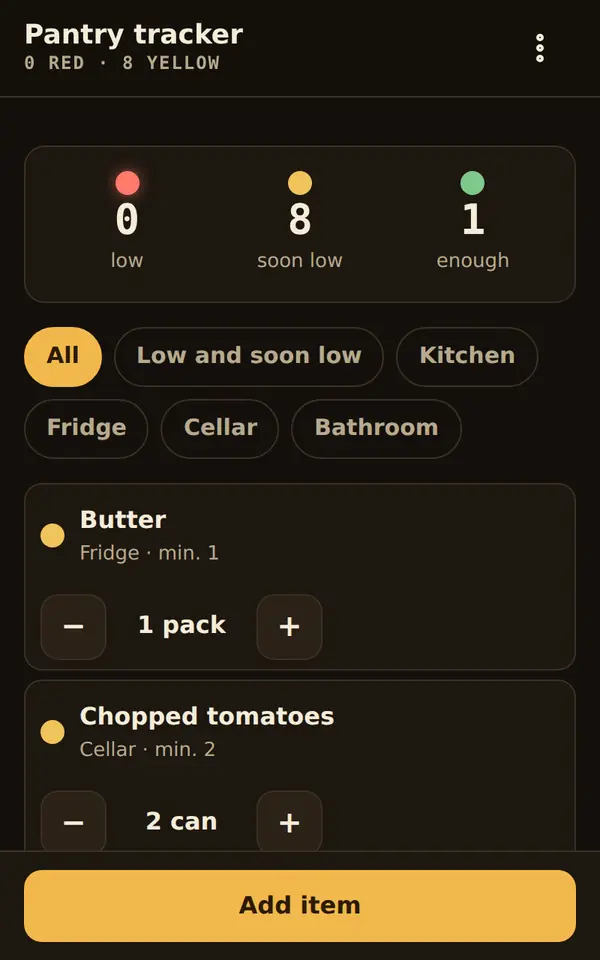
Pantry tracker
Stock with minimum amounts as traffic lights; red goes to the shopping list in one tap, bought items refill the stock.
-
B01 · 72 KB
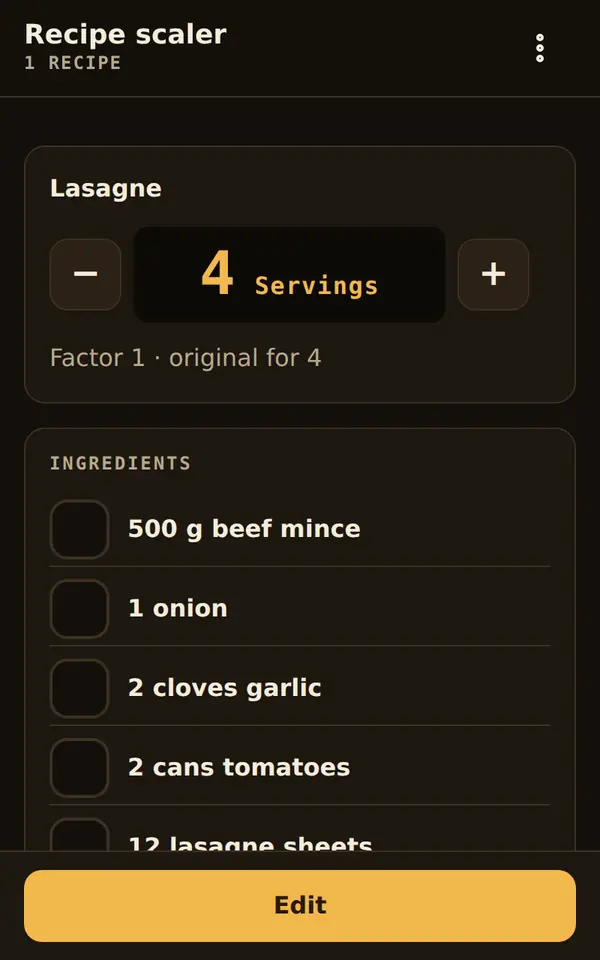
Recipe scaler
Scale recipes to any number of servings or baking tin, sensibly rounded; ingredients to the list, times to the kitchen timers.
-
B03 · 79 KB
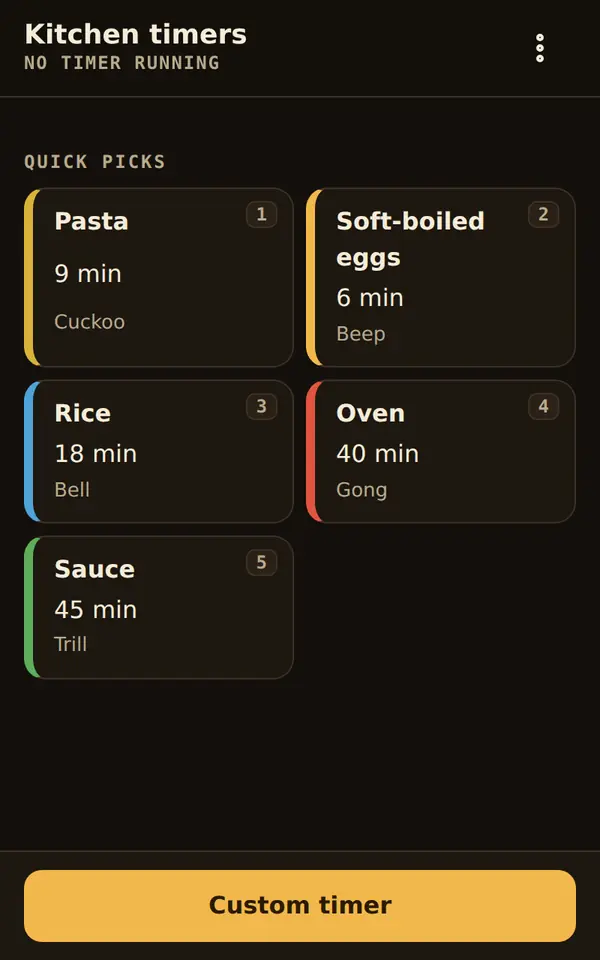
Kitchen timers
Several timers at once, each with its own sound and colour – you can hear whether it is the pasta.
-
B07 · 71 KB
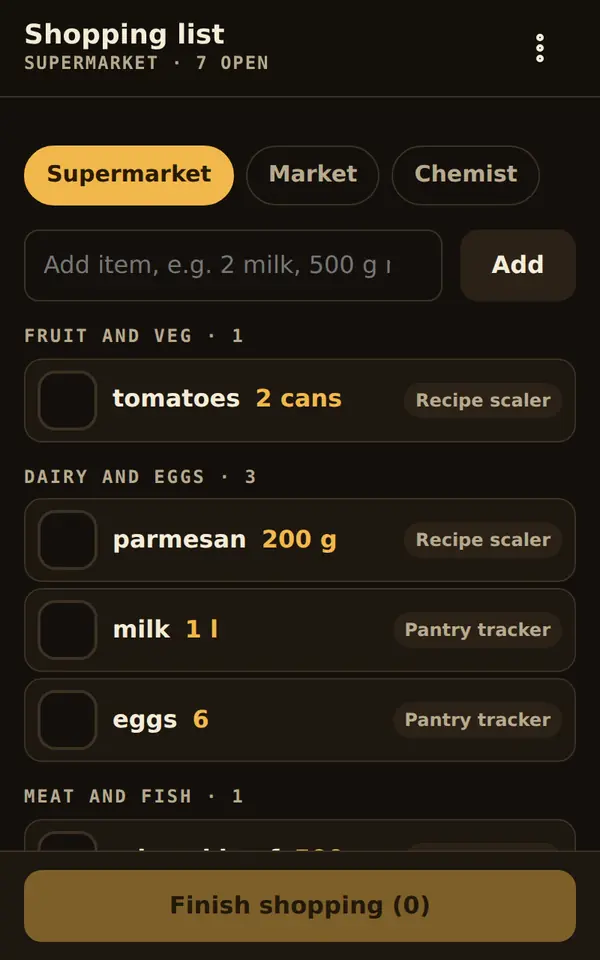
Shopping list
The list in the order of your shop; collects what other tools need and reports back what you bought.
-
C01 · 71 KB
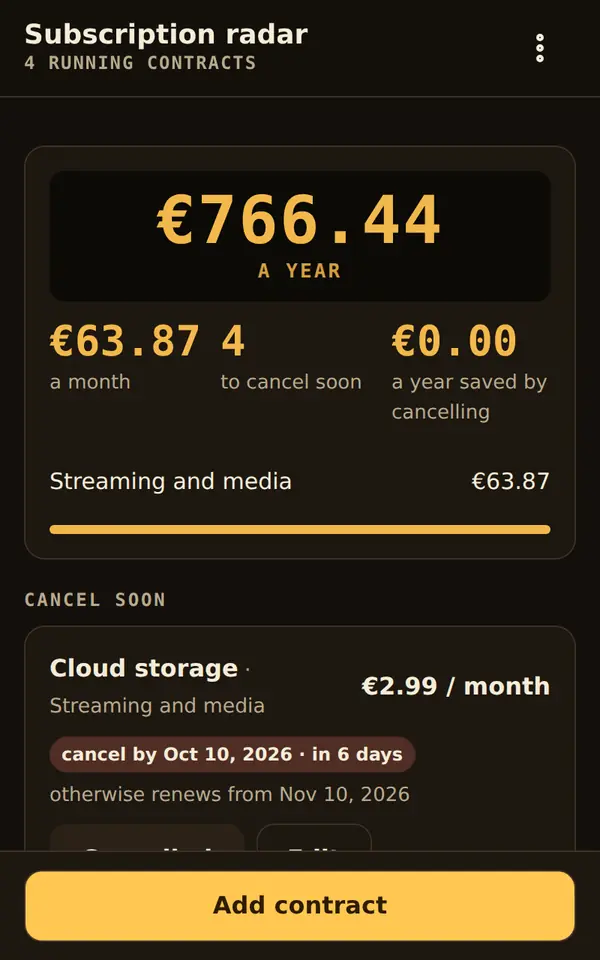
Subscription radar
All subscriptions and contracts with monthly and yearly totals and the day by which you must cancel.
-
C02 · 81 KB
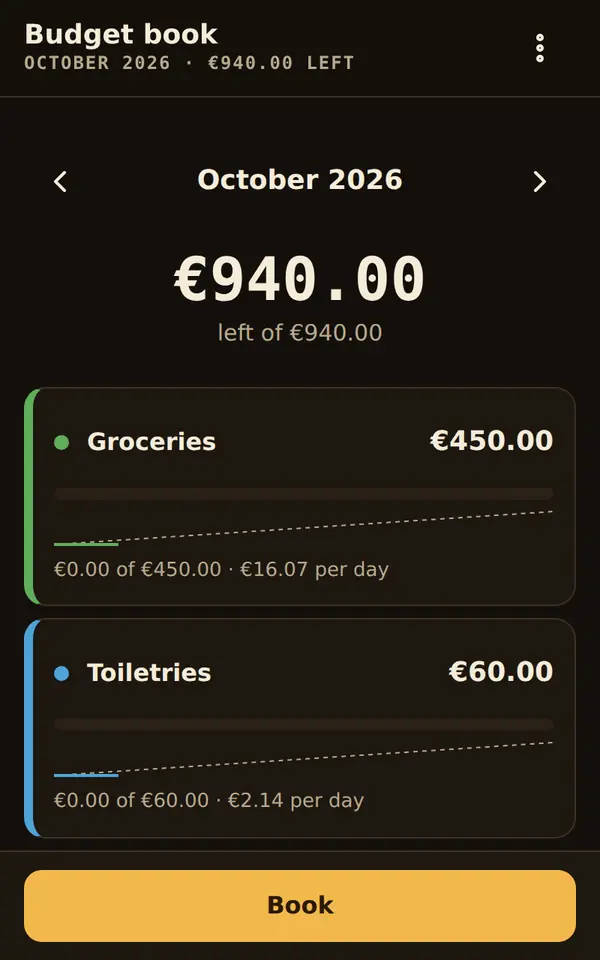
Budget book
Envelope budget book: pots with a monthly budget, one glance shows what is left; shopping and subscriptions almost book themselves.
-
D01 · 86 KB
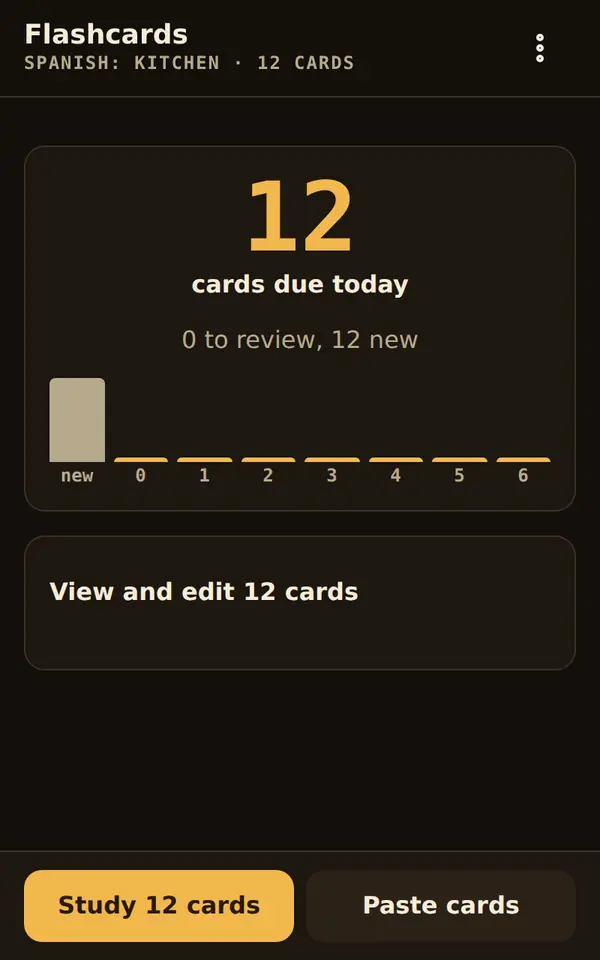
Flashcards
Flashcards with spaced levels: each day only what is due, reveal or type, with read-aloud and import from a table.
-
D04 · 70 KB
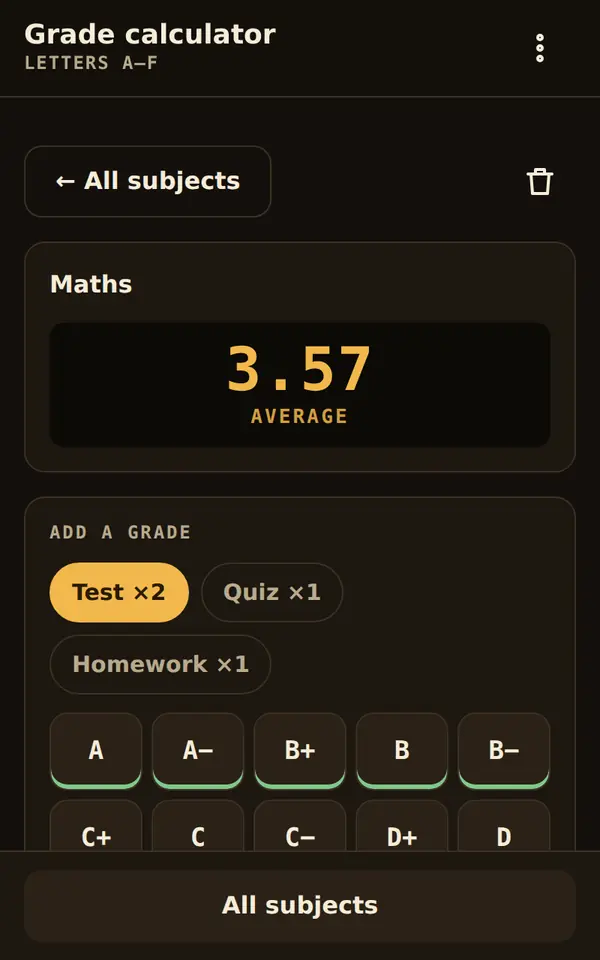
Grade calculator
Weighted averages and the answer to “What do I need in the next test?” – for any grading system.
-
E07 · 72 KB
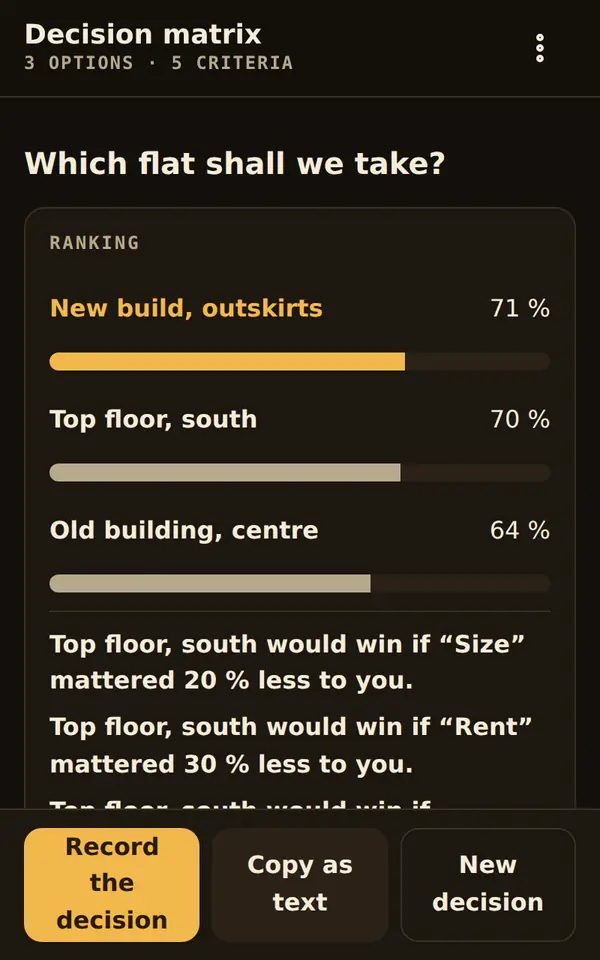
Decision matrix
Options against weighted criteria: a ranking with bars and the sentence that really helps – “B would win if your commute mattered 30 % less to you”.
-
E10 · 70 KB
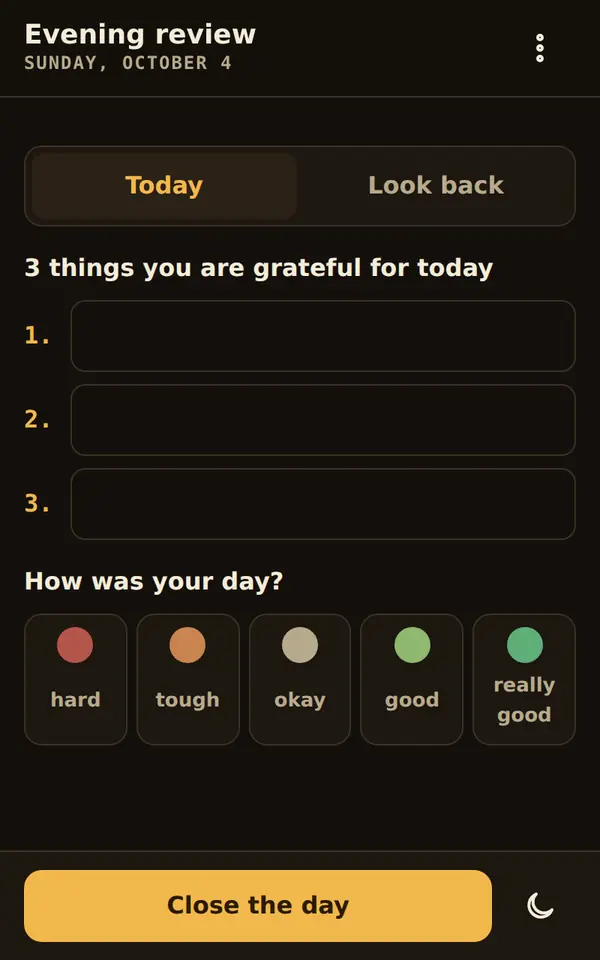
Evening review
Two minutes in the evening: three questions, three things you're grateful for, and what other tools noted today.
-
G01 · 71 KB
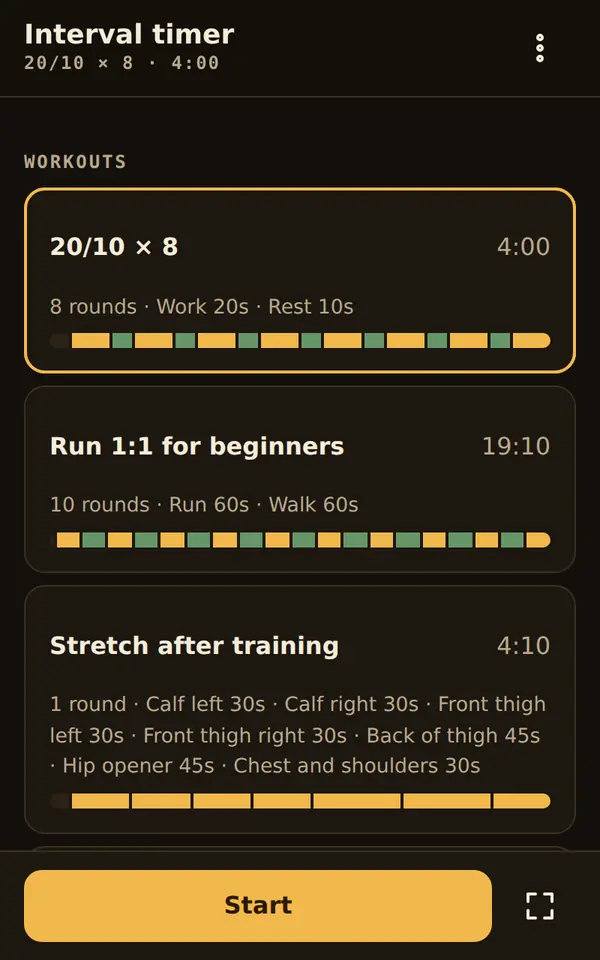
Interval timer
Whole workouts made of phases, with sound, voice and vibration – without looking at your phone.
-
H01 · 79 KB
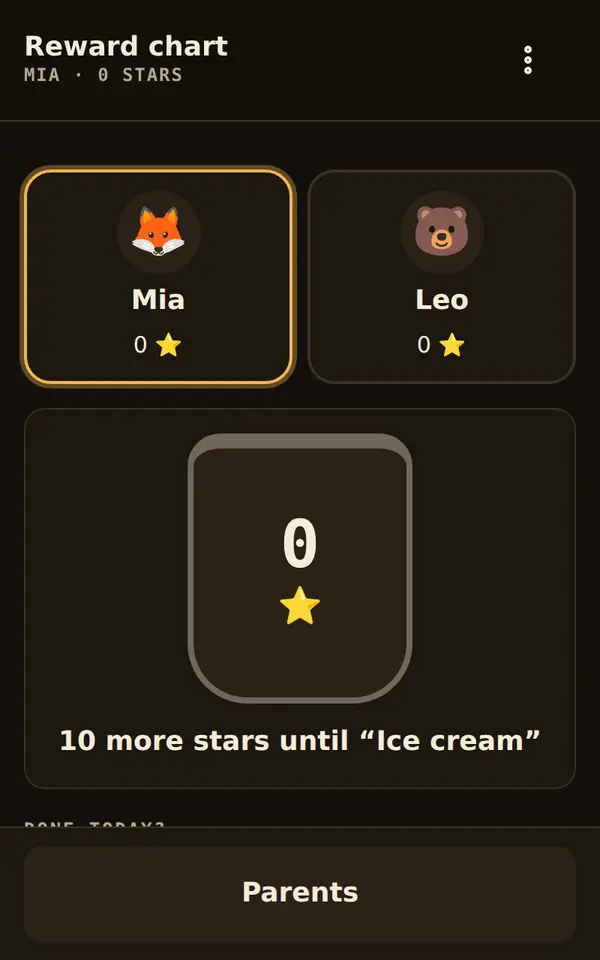
Reward chart
Stars for tasks done, a jar that fills up to the reward; redeeming only with a parent PIN.
-
H03 · 72 KB
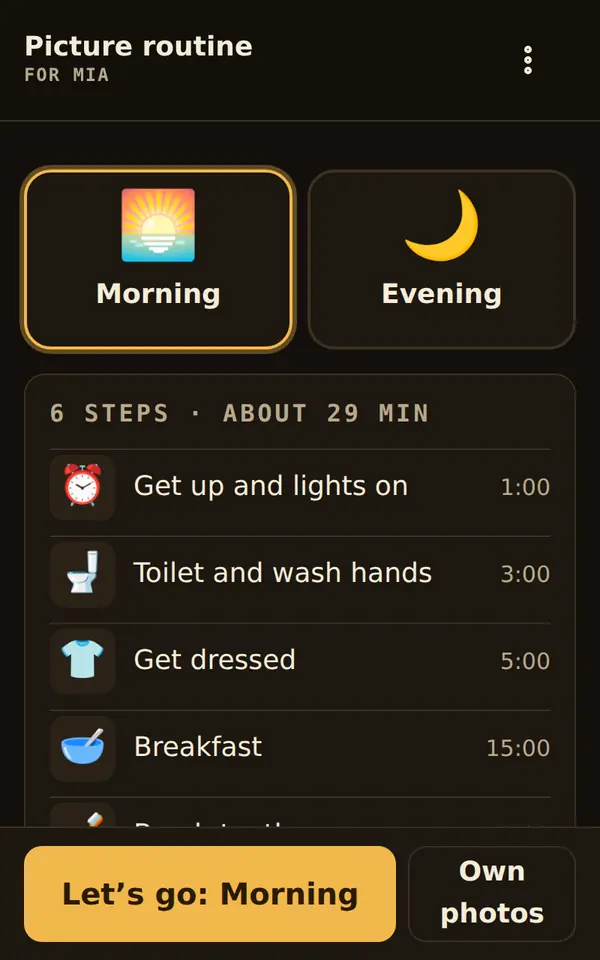
Picture routine
One step per screen, with your own photos and a time bar: children do the morning on their own, the stars land on the reward chart.
-
I01 · 71 KB
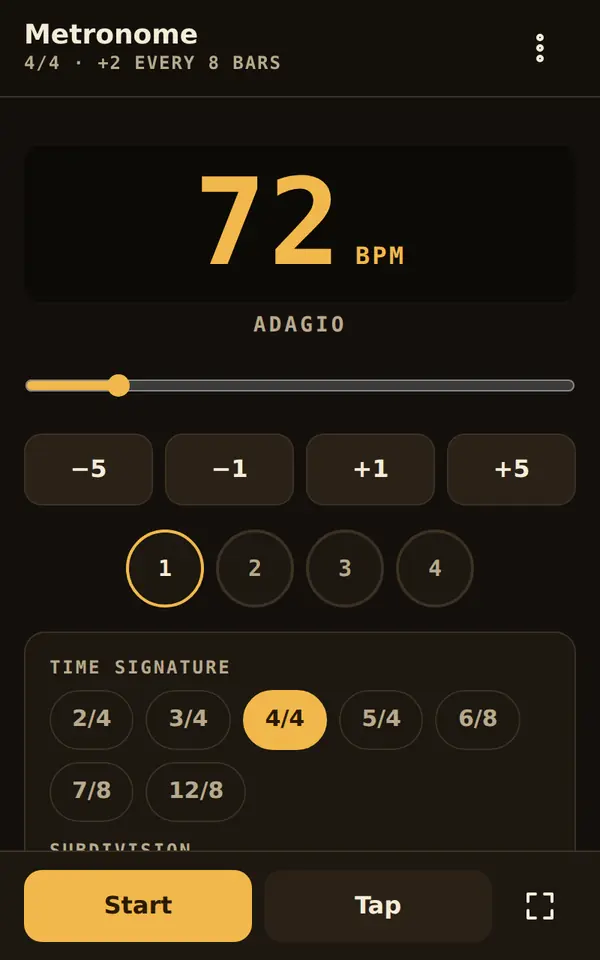
Metronome
Time signature, accents and subdivision as in the piece; the tempo ladder speeds up by itself.
-
I06 · 71 KB
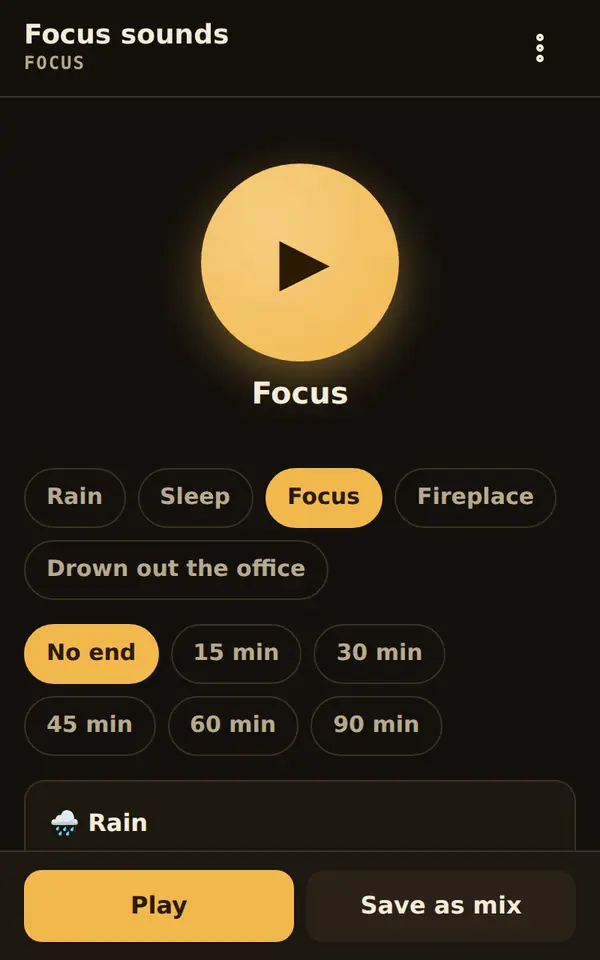
Focus sounds
Rain, waves, fireplace and noise, mixed to your taste – without a single audio file, with a gentle fade-out.
-
I09 · 81 KB
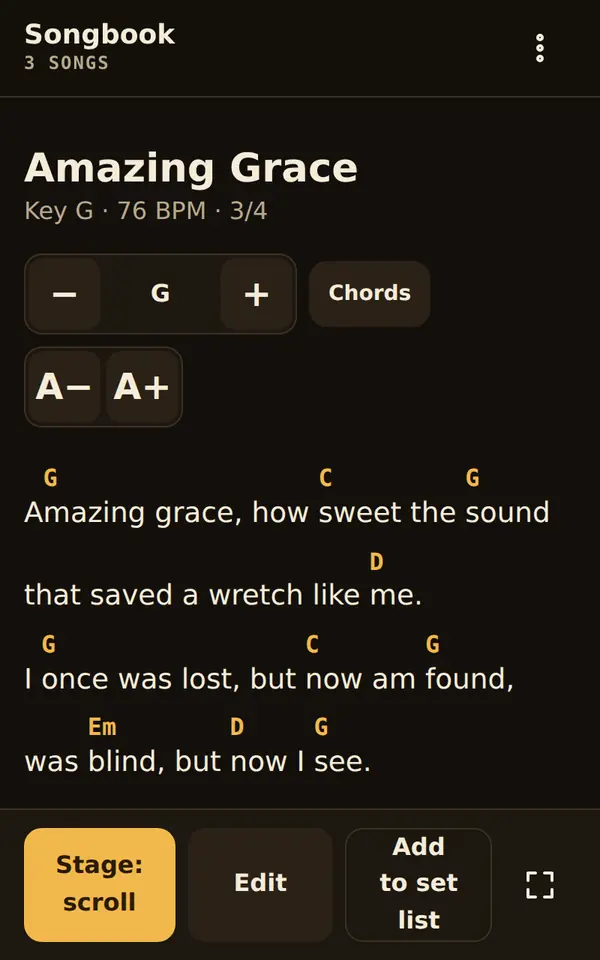
Songbook
Songs with chords: transpose with a capo hint, German or English notation, stage view with auto-scroll, set lists and practice with the metronome.
-
J04 · 69 KB
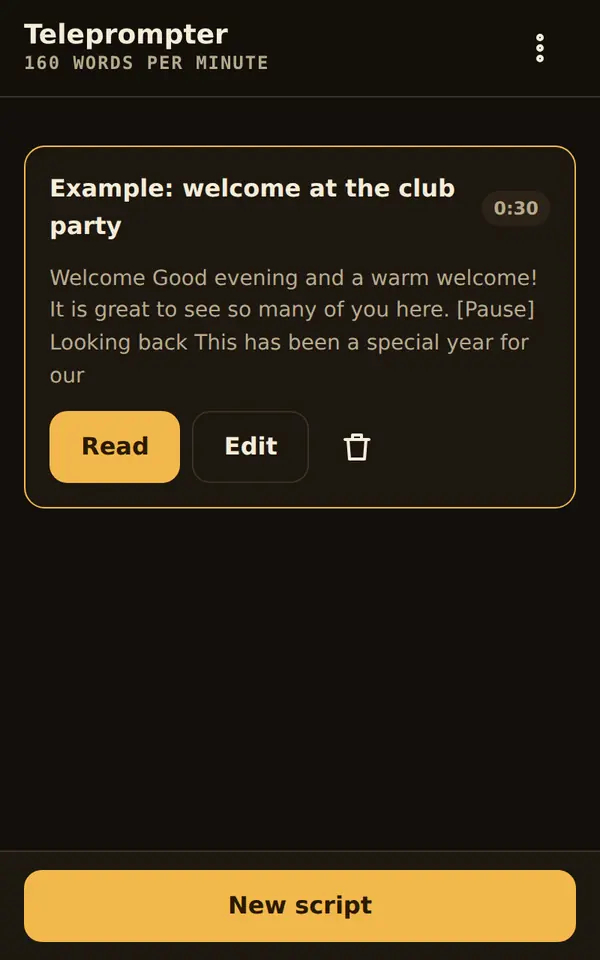
Teleprompter
Your text scrolls at your own speaking pace, mirrored if you like; sections go to the Talk timer.
-
J05 · 69 KB
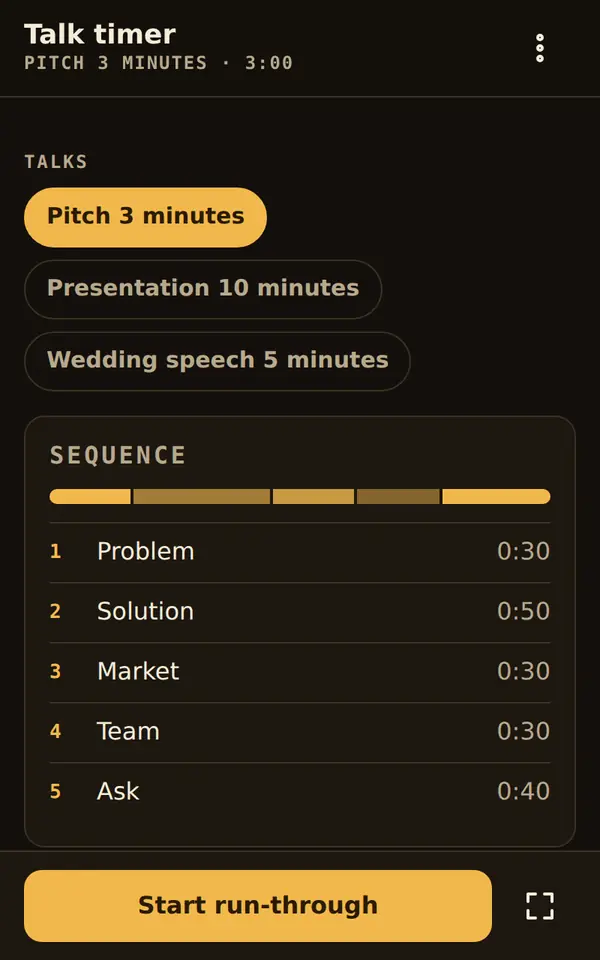
Talk timer
Every section with a target time, a traffic light and silent vibration in your pocket; then a comparison with your last run-through.
-
K01 · 74 KB
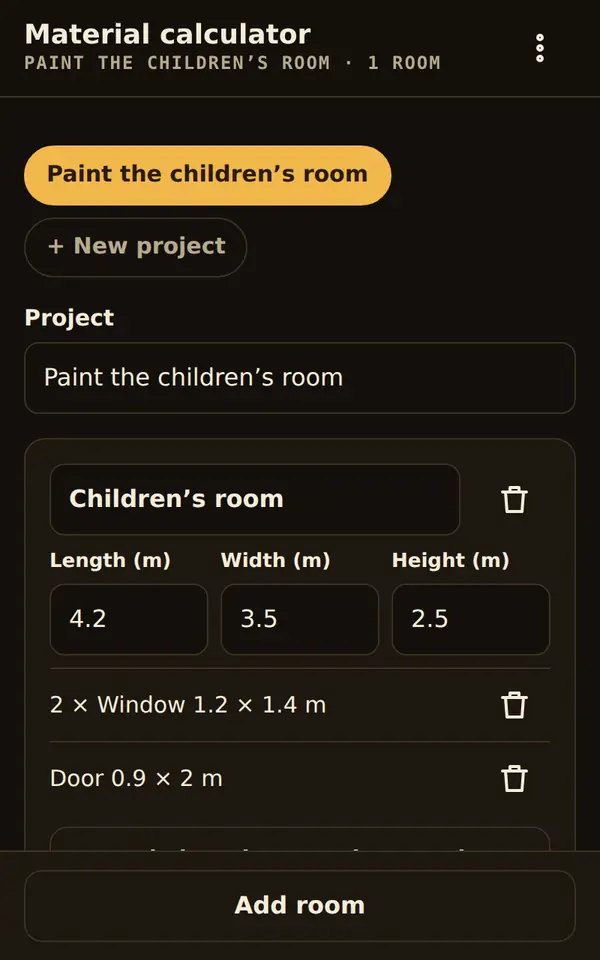
Material calculator
Measure rooms, choose material: “3 tubs of 10 l, 1 × 2.5 l” – cheapest packs including waste, straight to the shopping list and as costs to the budget book.
-
L01 · 69 KB
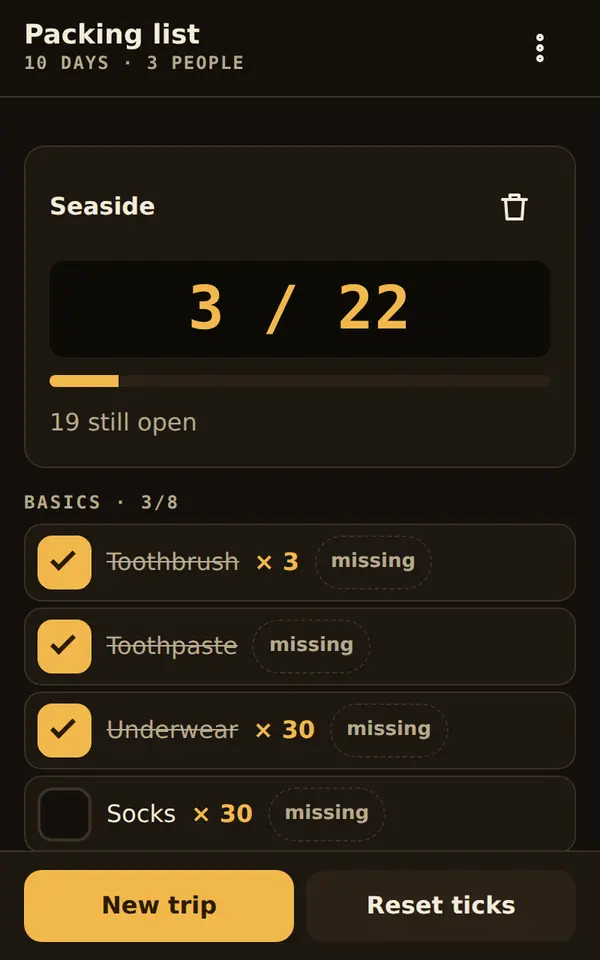
Packing list
Combine building blocks like beach, flight or kids; amounts by days and people; missing things go on the shopping list.
-
L04 · 67 KB
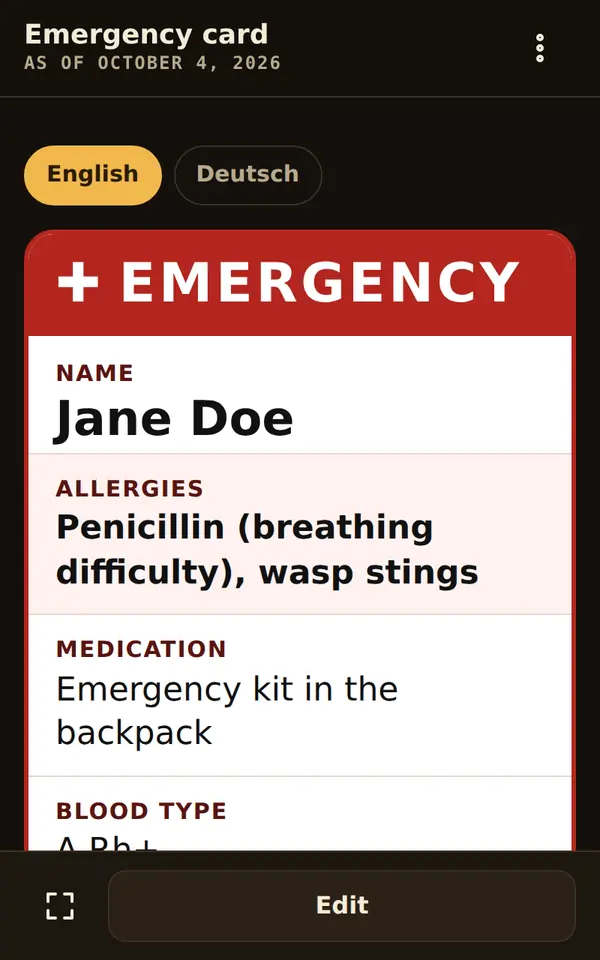
Emergency card
The essentials for helpers, large and at a glance, with field names in nine languages – and deliberately unlinked: this data never leaves the tool.
-
M01 · 71 KB
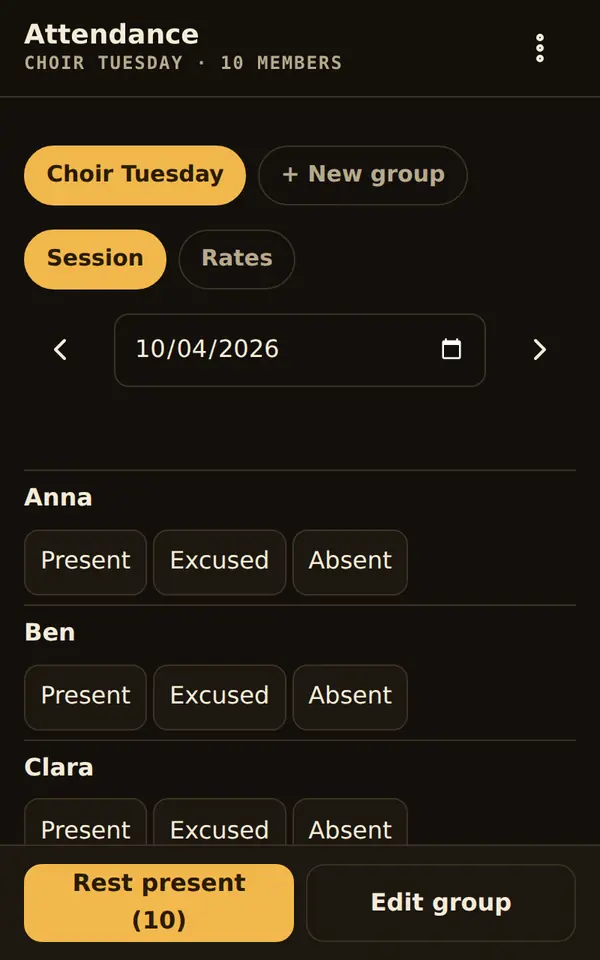
Attendance
Attendance in 30 seconds per rehearsal or practice; season rates for awards, today’s attendees straight to the class picker.
-
N02 · 74 KB
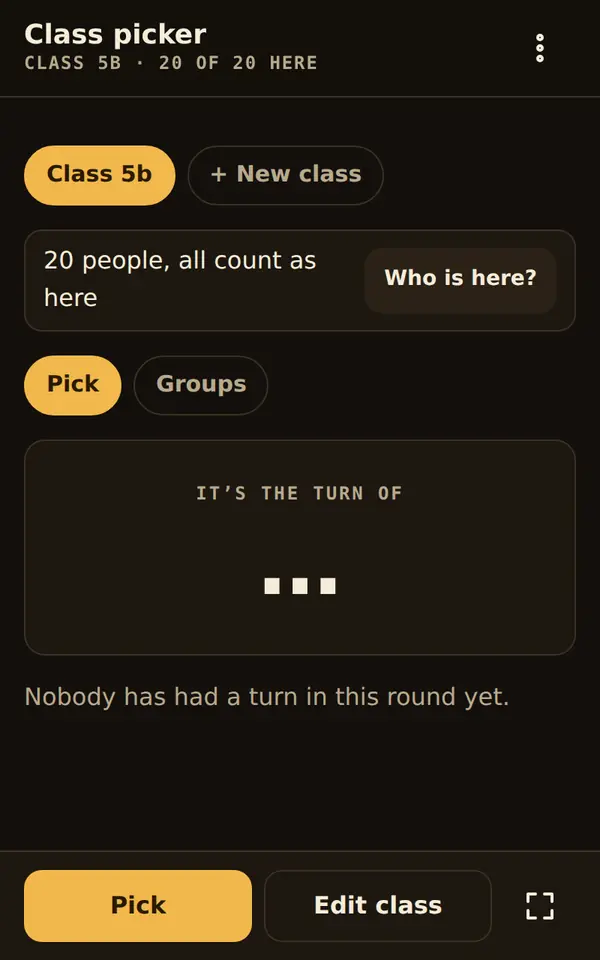
Class picker
Pick fairly – nobody twice before everyone has had a turn – and form groups where rivals never end up together; teams straight to the score pad.
-
O01 · 79 KB
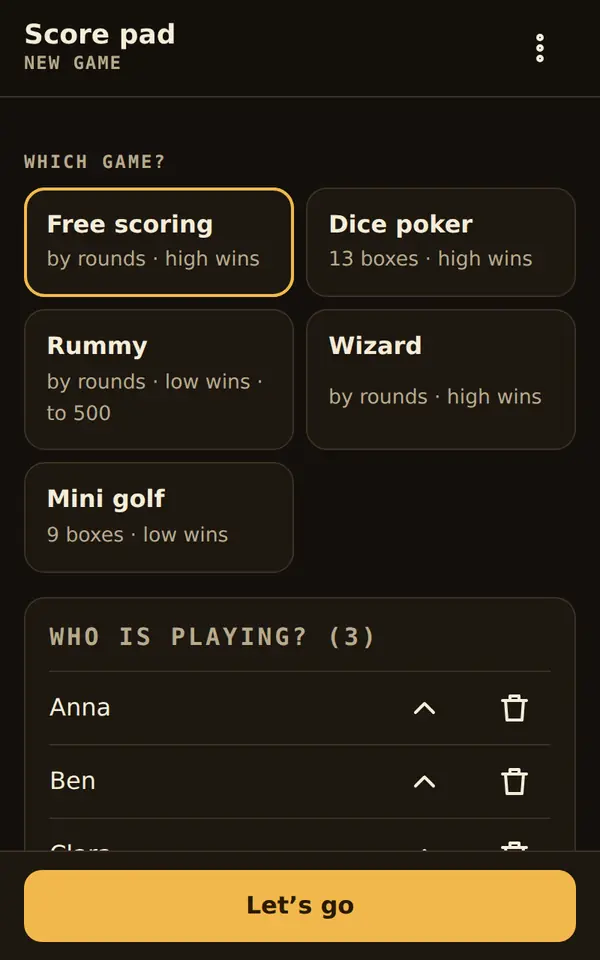
Score pad
Scores for any game: rounds or categories like dice poker, totals and winner without doing sums, stage view for the table.
No tool matches. Try another word or choose “All”.
Bundles: tools that do more together
Every tool works on its own. Together they pass data to each other, after one tap and only once you allow the connection in the toolbox.
How a tool gets into your toolbox
Download
Tap “Download” on the tool’s page. Every file is smaller than 90 KB.
Add
In the toolbox choose “File or download” and pick the file. On Android this works too: open the download, tap “Share” and choose “Artefakt Toolbox”.
Start
On first start you choose a starter template. Everything else is set under “Customize”, without any code.
Connect if you like
When a tool sends something to another, the toolbox asks once for your permission for exactly this pair.
Planned: choose tools right in the app and add them with one tap.
How every tool is checked
- No network access: no requests to the internet, no loaded files, fonts or libraries.
- No obfuscated code: no eval, no encoded strings, no long Base64 blocks.
- No access to cookies, location, camera or microphone.
- At most 90 KB and readable code, with the CUSTOMIZE block at the top.
- Automatic tests for operation, accessibility (WCAG 2.1 AA) and every connection between the tools.
The check runs on every build. A tool that fails appears nowhere. Checksums and rights of all tools are in the machine-readable catalogue.